A seating plan holds everything for one event: the guest list, the floor plan with its tables, who sits where, and the printed pieces made from it.
Start a plan
- Open app.seatings.org.
- Type the couple's names, for example "Emma & James". The wedding date and venue are optional and can be added later.
- Click Start free.
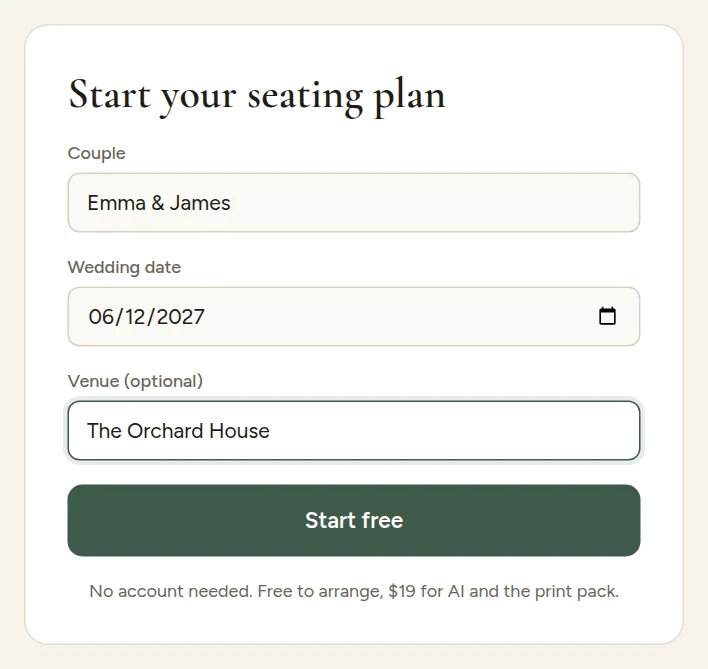
There is no sign-up. The plan is saved in your browser straight away, and every change saves itself. You will see Saved next to the plan's name.
The three tabs

- Guests is your guest list as a table.
- Floor plan is the room: tables, the dance floor and other areas, and who sits where.
- Print pack shows the six printed pieces made from your plan.
A new plan starts with a head table, ten round tables of ten and a dance floor, so you can see how it works right away. Change it to match your venue in Build your floor plan.
A good order to work in
- Import your guest list.
- Build your floor plan.
- Seat your guests, by hand or with AI seating rules.
- Style your print pack and download your files.