- In your Google Sheet, click Share and set General access to Anyone with the link (Viewer is enough).
- Copy the link.
- In seatings, click Import guests, then Google Sheets, and paste the link.
- Check the columns in the preview and import.
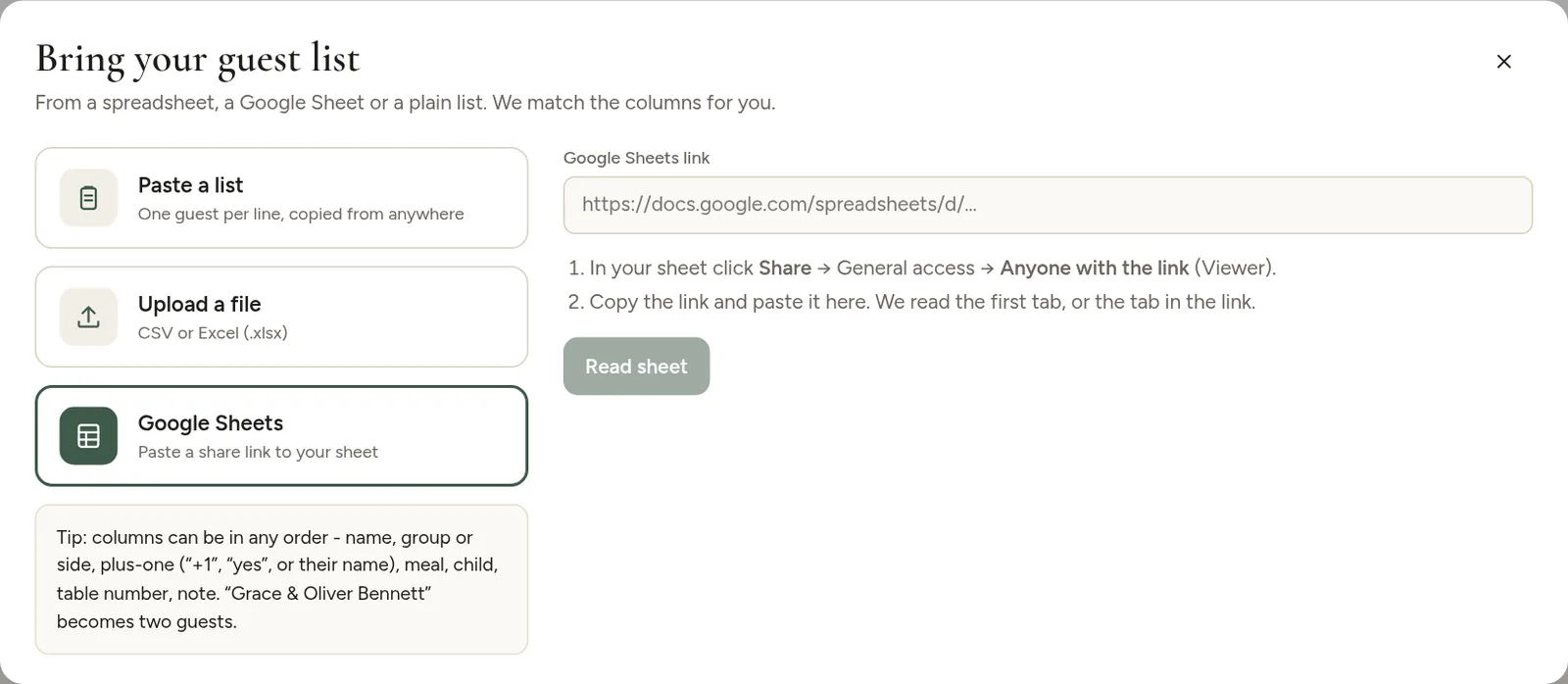
The first tab of the sheet is read. If your list is on another tab, move it to the front or copy it into a new sheet.
If it does not work
- "We could not read that sheet" usually means sharing is still set to Restricted. Change it to Anyone with the link and try again.
- Once the guests are imported, you can turn sharing off again. seatings does not keep reading the sheet.
Prefer not to share the sheet at all? In Google Sheets choose File, Download, Microsoft Excel and upload the file instead.