Areas are the parts of the room that are not tables. Add one with Area in the toolbar, then drag it into place and pull its corner to resize it.
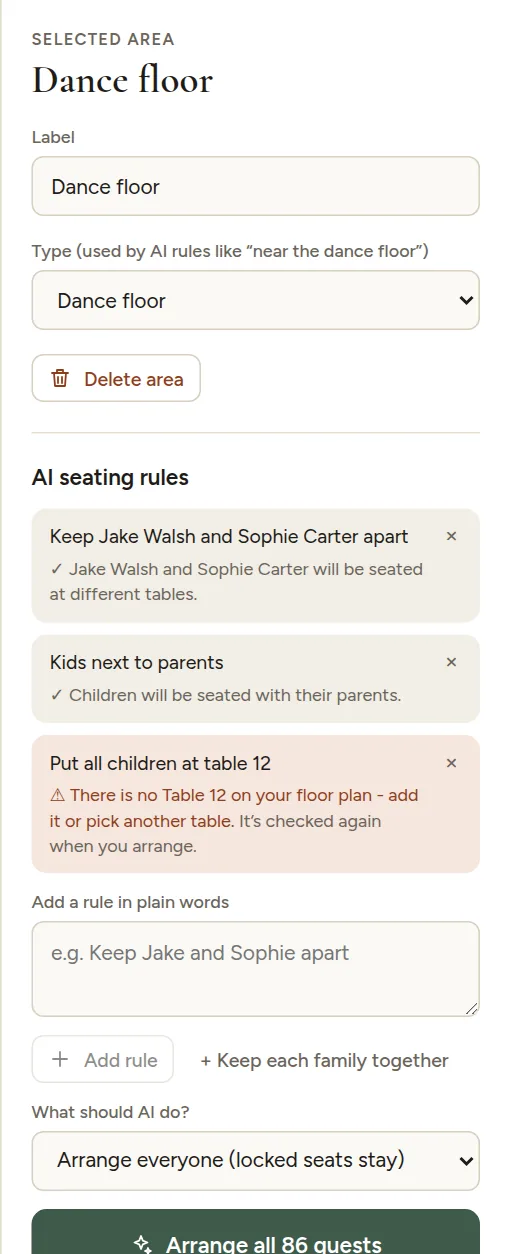
Click an area to change:
- Label: what it is called on the floor plan and on the seating chart's small floor plan.
- Type: Dance floor, Stage, Bar, DJ / band, Speakers, Entrance or Other.
Why the type matters
AI seating rules use the type to understand places in the room:
- "Young friends near the dance floor"
- "Grandparents away from the speakers"
- "Aunt Mary near the entrance"
A rule about the bar only works if there is an area of type Bar on your floor plan. If it is missing, the rule is marked and tells you so. See When a rule cannot be used.