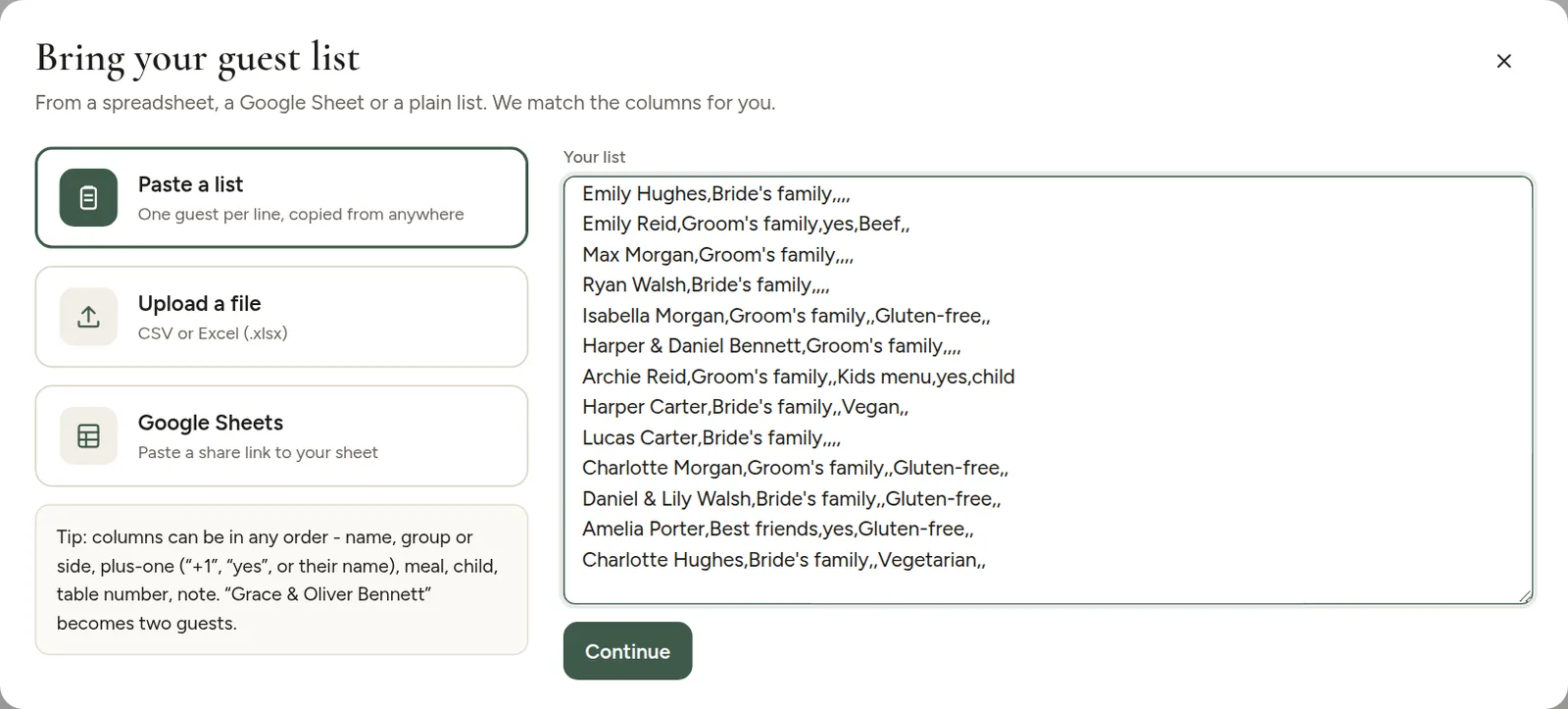
- Click Import guests, then Paste a list.
- Paste your guests, one per line.
- Click Continue, check the preview and import.
What you can paste
A plain list of names works:
- Emily Carter
- James Carter
- Oliver & Grace Bennett
If you copy rows from a spreadsheet, the columns come with them (tabs, commas or semicolons between values all work). A line like "Daniel Brooks, Groom's family, +1, vegetarian" is split into name, group, plus-one and meal.
Not sure what it should look like? Click Use example in the window to fill in a sample list.