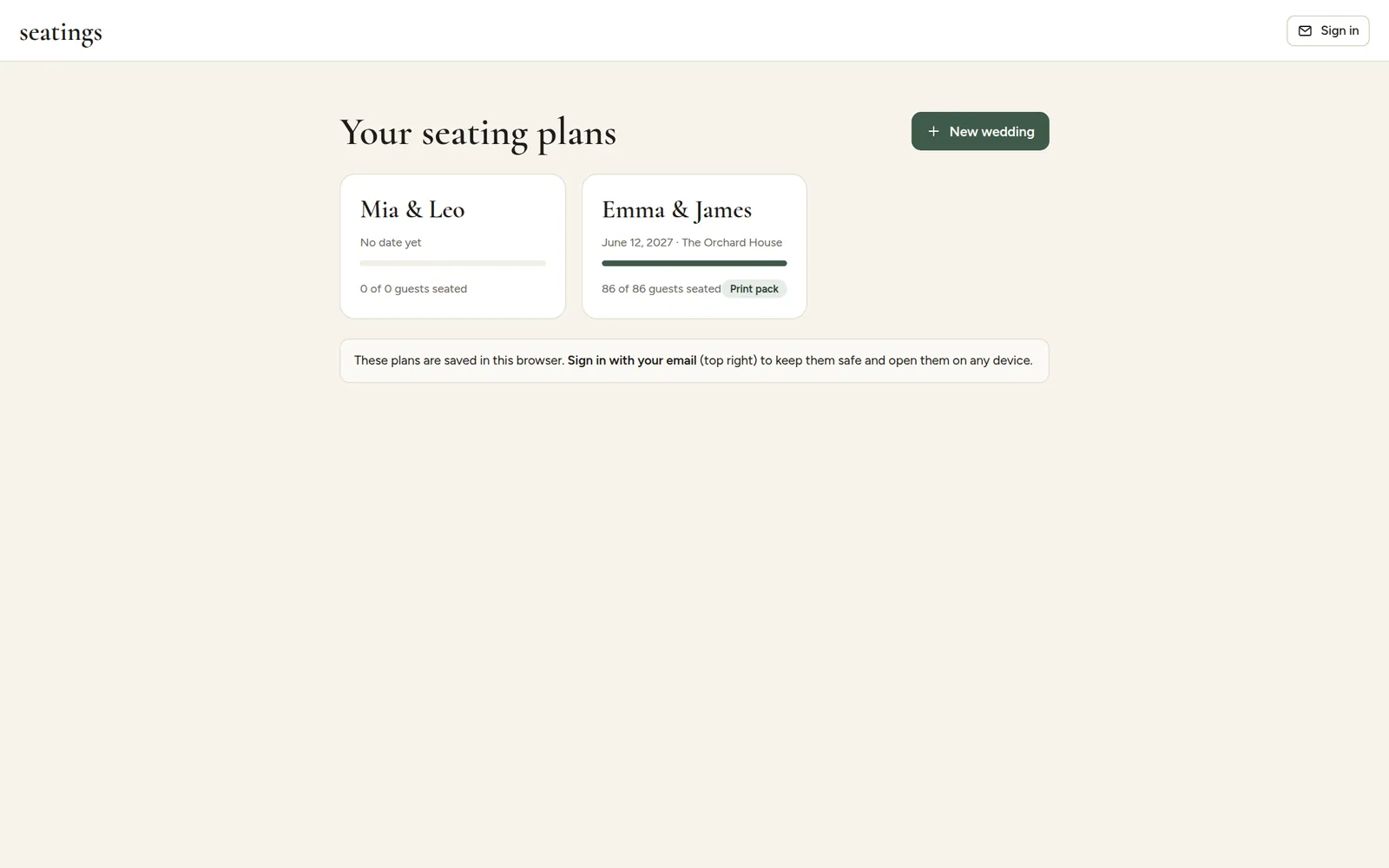
Every change you make is saved automatically. At first, your plans are linked to the browser you started them in. That is enough to get going, but it means:
- the plan only shows up in that browser, on that device, and
- clearing your browser's cookies or history removes the link to it.
Save to your email
- Click Save to email at the top of your plan.
- Enter your email address and click the button to send the link.
- Open the sign-in link we email you.
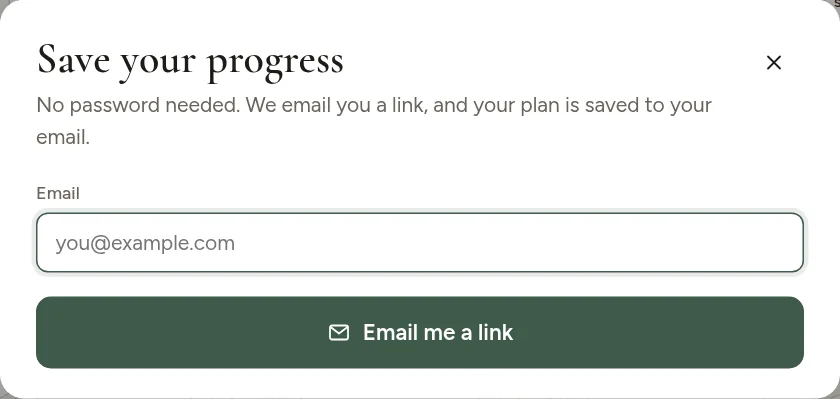
All plans from that browser are now saved to your email. On any other device, click Sign in on the start page, enter the same email and open the new link.
Sign-in links expire after a while for safety. If yours has expired, simply ask for a new one.
Your plans
The start page lists every plan with its date, venue and how many guests are seated. Click a plan to open it, or New wedding to start another one, for example for the rehearsal dinner.