Click Share at the top of the plan. You can create two kinds of links:
- Can edit is for your partner or planner. They can move guests and tables, edit the guest list and change the print pack.
- View only is for parents and family. They see the floor plan and who sits where, but cannot change anything.
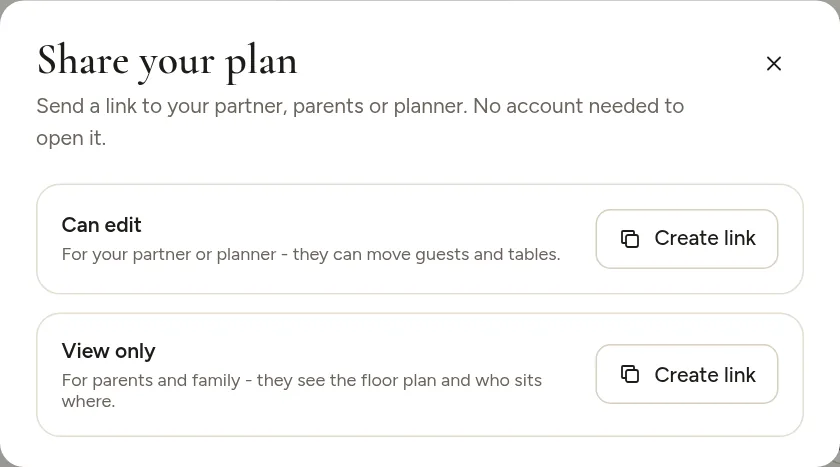
Nobody needs an account to open a link.
Working together
Everyone with an edit link works on the same plan, and changes save for everyone. If you have paid for the print pack, the plan is unlocked for everyone who works on it.
Take access back
In the Share window, click Turn off existing links. All old links stop working at once. Create new links for the people who should still have access.
Anyone with an edit link can change your plan, so only share it with people you trust.