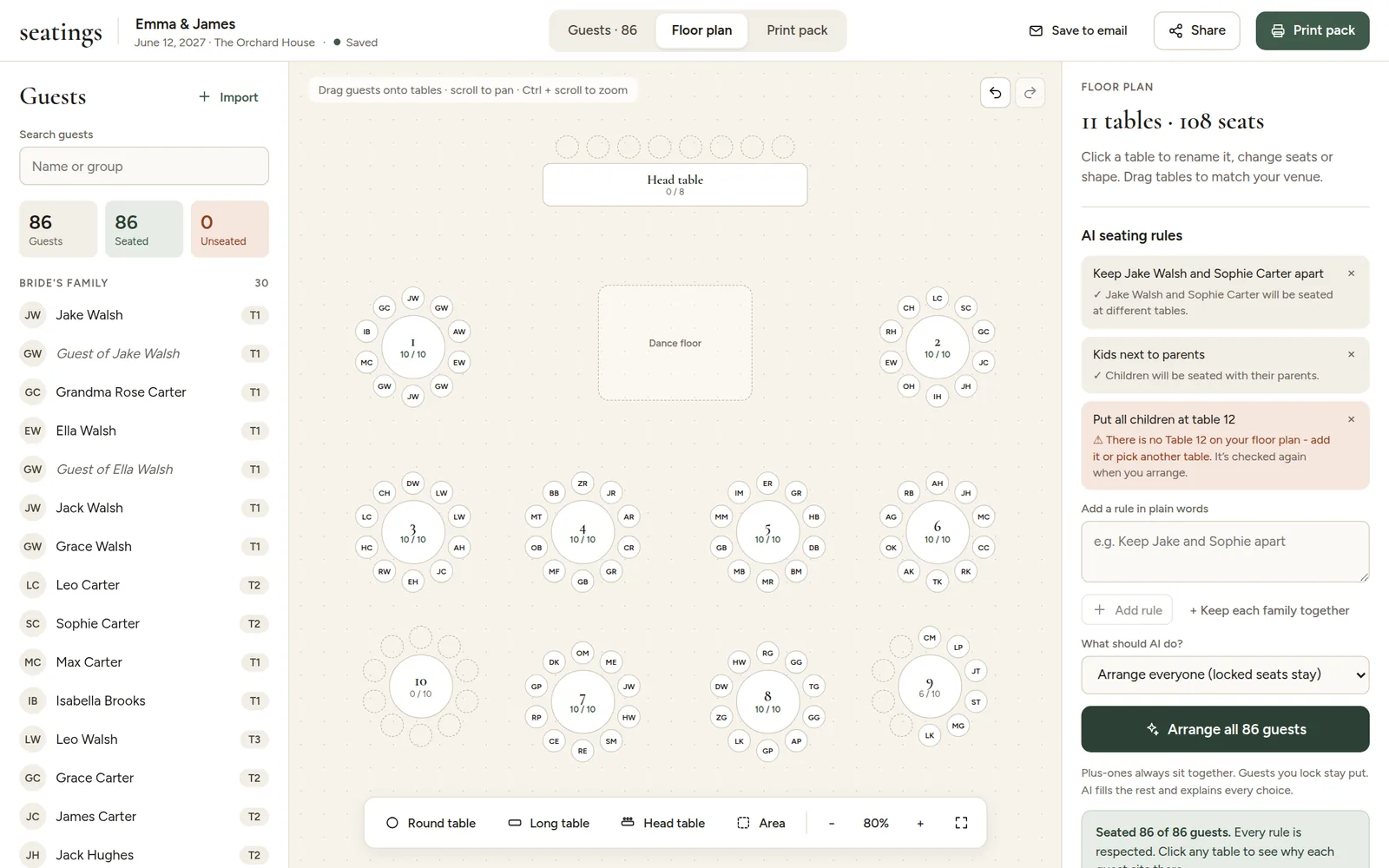
Under What should AI do? there are two choices:
- Arrange everyone (locked seats stay) rearranges the whole room. Use it for the first arrangement, or after big changes.
- Only seat the unseated guests fills empty seats with guests who do not have one yet, and leaves everyone else exactly where they are. Use it for late RSVPs and last-minute additions.
Then click the arrange button under it. It only takes a few seconds.
Keep what you like
Happy with some tables already? Lock those guests first, then arrange everyone. The locked guests stay put, and the rest of the room is arranged around them.
Not happy with the result? Press Ctrl+Z (Cmd+Z on a Mac) to undo the whole arrangement in one step.