The Print pack tab turns your seating plan into six printed pieces that match each other. Names and tables come straight from your plan, so they are always right, and when you change a seat the files change with it.
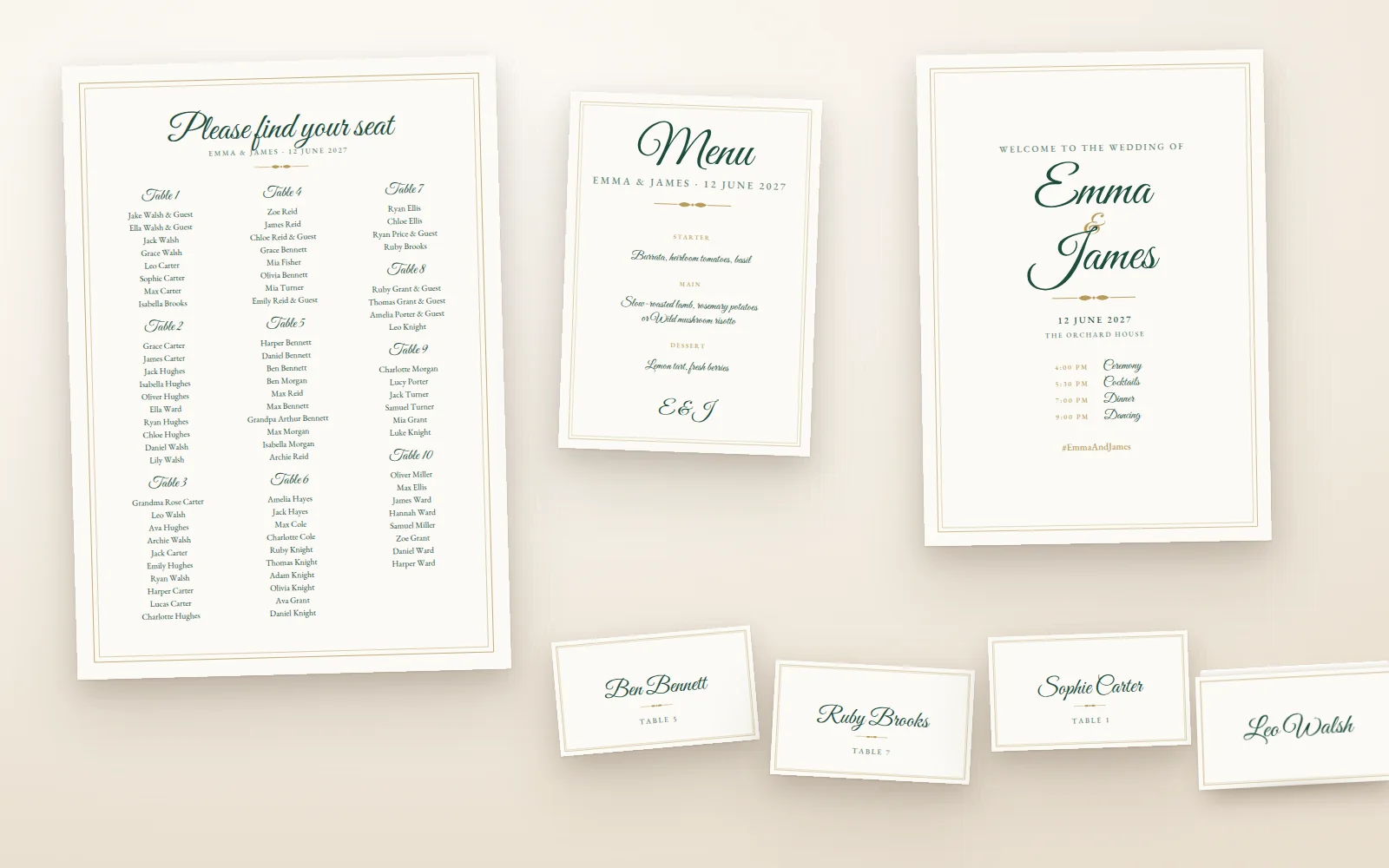
The six pieces
| Piece | What it is | Default size |
|---|---|---|
| Seating chart | A poster listing everyone by table, or A to Z by name | A2 or 18×24 in |
| Escort cards | A card per guest with their table, set out at the entrance | 89×51 mm or 3.5×2 in |
| Place cards | A tent card per seat, with the name on both sides | 89×51 mm or 3.5×2 in |
| Table numbers | A card per table with its number, name or both | A5 or 5×7 in |
| Menu | Your courses, one design for all or one per guest | A5 or 5×7 in |
| Welcome sign | Your names, date and venue at the entrance | A2 or 18×24 in |
Find your way around
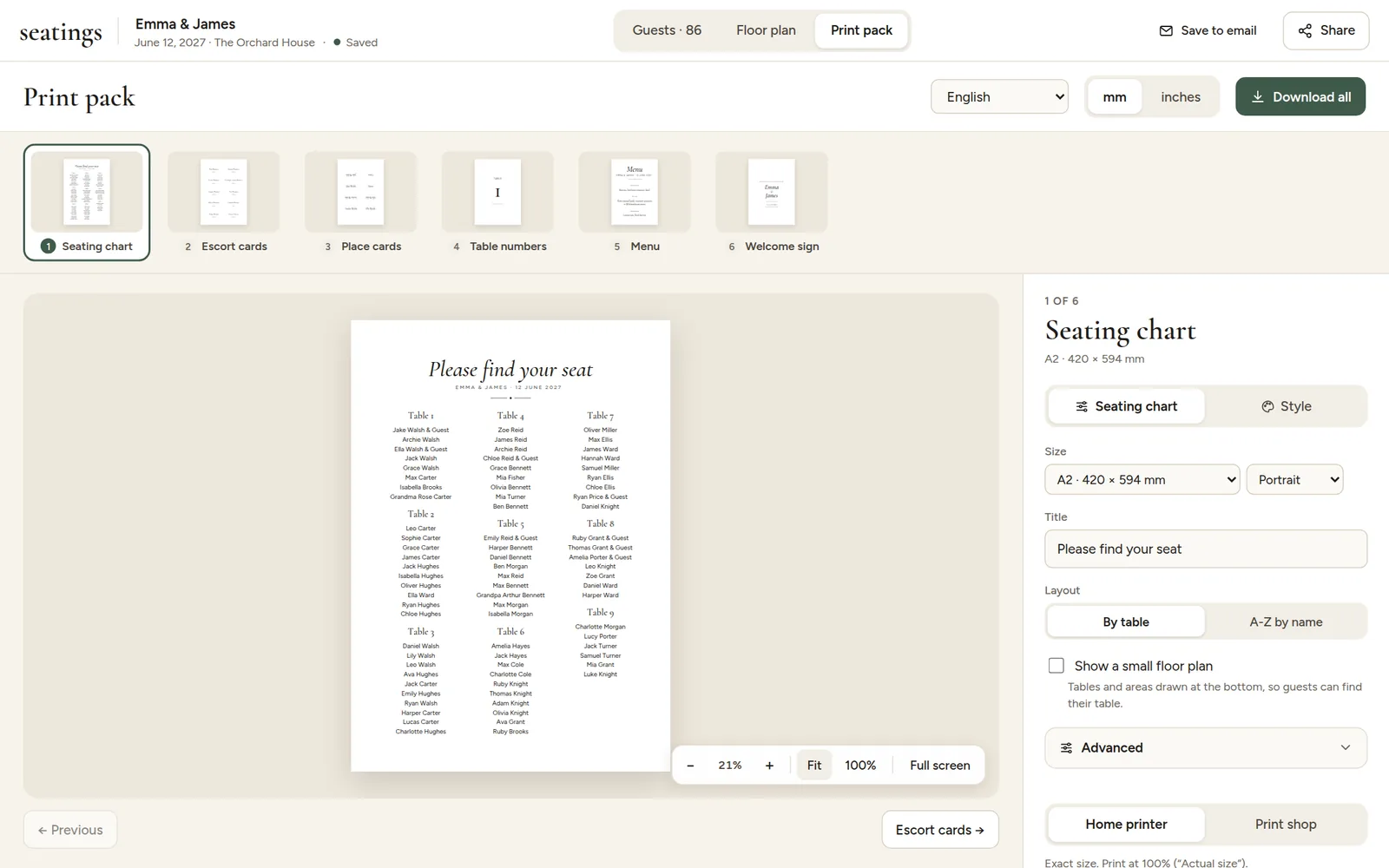
- The strip at the top shows all six pieces. Click one to open it, or use the Left and Right arrow keys.
- The preview shows the piece exactly as it will print. Zoom in to check details.
- The panel on the right has two tabs: options for the piece on screen, and Style for the look of all six.
- At the top you choose the language of the printed words, millimetres or inches, and Download all.
Before you pay, every piece shows a "Preview" watermark, so you can see exactly what you get. See Download your files.