Open the Style tab next to the piece options. Style applies to all six pieces at once, so everything matches.
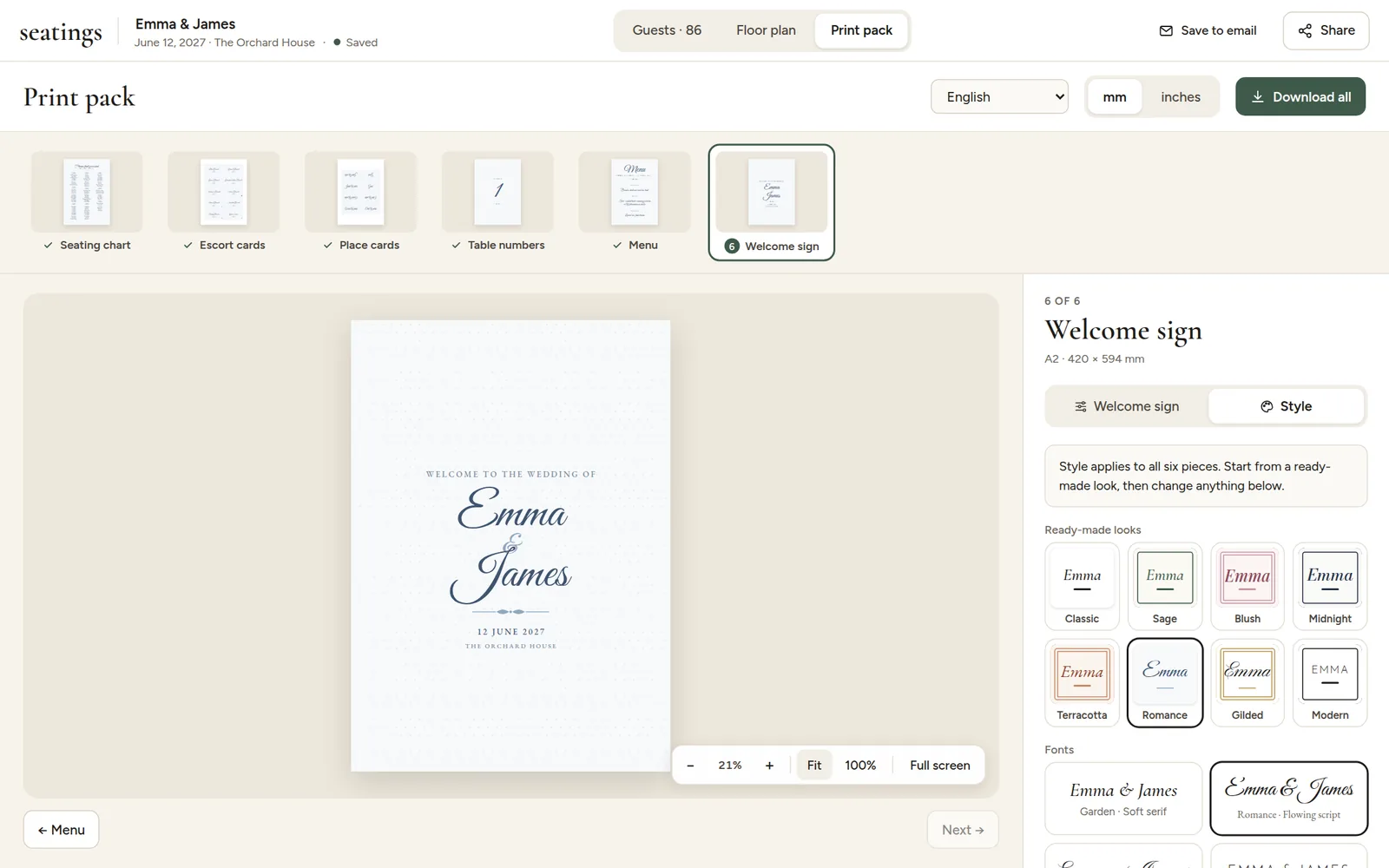
Ready-made looks
Eight looks set the fonts, colors, frame and ornament in one click: Classic, Sage, Blush, Midnight, Terracotta, Romance, Gilded and Modern. The selected look is outlined, and the choices below it show what it set.
Fonts
Seven font pairs, each with a display font for names and titles and a text font for everything else:
| Font pair | Feel |
|---|---|
| Garden | Soft, elegant serif |
| Romance | Flowing script names |
| Calligraphy | Formal script |
| Modern | Clean, spaced capitals |
| Couture | High-contrast, fashion-magazine serif |
| Editorial | Classic magazine serif |
| Heirloom | Old-style book serif |
Every font covers accented letters (č, ć, š, ž, đ, ä, é, ñ and more), so names print correctly in any language.
When you change anything by hand, the look is no longer selected and you see "Your own mix". Pick a look to start over.