Once the print pack is unlocked, the bottom of the options panel shows the download.
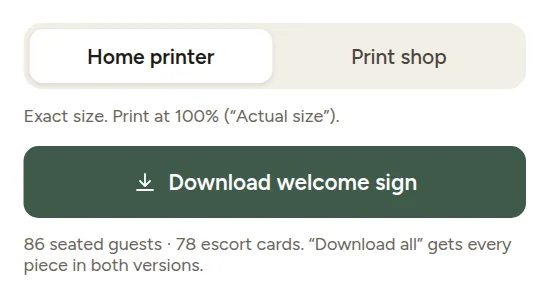
- Choose Home printer or Print shop.
- Click Download for the piece on screen.
Or click Download all at the top of the Print pack for a zip file with every piece in both versions, plus a short read-me.
Home printer or print shop?
| Home printer | Print shop | |
|---|---|---|
| Size | Exactly the finished size | Finished size plus 3 mm (1/8 in) bleed |
| Cards | Several to an A4 or Letter sheet with cut marks | Several to a sheet with cut marks |
| Best for | Cards, table numbers and menus on your own printer | Posters, colored backgrounds, and anything you want printed professionally |
Bleed is a thin extra edge that print shops trim off, so the color goes right to the edge of the paper. The PDF also tells the shop the finished (trim) size.
Changed something?
Download again. Your files are always made from the plan as it is now, and you can download as often as you like until the wedding.